Or Operator Object
The Or Operator object is used to merge parallel branches in a workflow and proceeds when any of the connected branches returns a result.
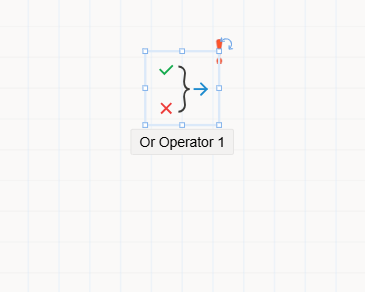
The Or Operator object is used in process flows where multiple branches or approvals are executed in parallel, and the workflow is intended to continue as soon as one of these branches completes.
This object is especially useful in scenarios such as:
- Sending approvals to multiple positions or groups in parallel.
- Continuing the process after the first approval or result is received.
- Merging diverging branches where only one outcome is sufficient.
How It Works
- The Or Operator allows
multiple incoming branches(n inputs). - Once
any oneof the connected branches completes its operation, the flow proceeds to the next step. - Until one of the branches returns a result, the flow
waits at the Or Operator. - The Or Operator can have
only one outgoing path, ensuring unified flow after branching.
Usage Steps
- Drag the
Or Operatorobject from theToolboxinto theFlow Designercanvas. - Place the object at the point where multiple branches are expected to merge.
- Connect multiple branches (e.g., approvals, tasks) to the object.
- Connect a single outgoing arrow to the next step in the process.
- Click the object to view and configure its properties in the
Properties Viewerpanel.
Properties Panel Overview
When selected, the Or Operator displays the following tabs in the Properties Viewer:
1. Appearance
Object Name: Internal name of the object used in system references.Caption: Label visible to users on the canvas.Is Lock: Prevents the object from being moved during design.Size: Sets the visual size of the object.
2. Properties
- No additional configuration is required in the Properties tab.
3. Events
- Events can be defined to trigger custom logic when this object is reached or completed.
- Developers can auto-generate method blocks and add custom code.