Profession
The Profession object is used in Synergy IDE workflows to hold a position title (unvan) value. It serves as a data holder rather than a flow action step.
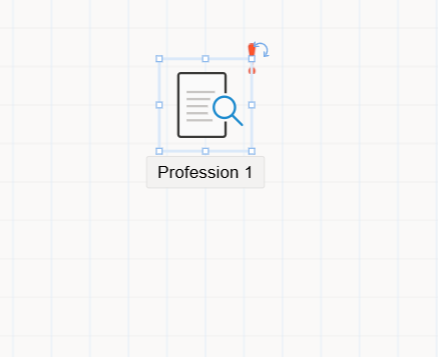
The Profession object is used to store a position profession within a workflow. It can either hold a static value selected during design time, or a dynamic value assigned at runtime using flow logic.
It is typically used in workflows that need to reference or compare an organizational title — such as routing a document based on role or assigning tasks to people with a specific title.
Characteristics
Non-routable: The object does not accept or provide connections (arrows) to other objects. It is only a data holder.Used with Assignment & Comparison:- To
setthe title, use it with theAssignmentobject. - To
evaluatethe title, use it with theComparisonobject.
- To
UI Access: When the object is selected in the flow designer, its settings appear in theProperty Viewerpanel.
UI Sections
When the Title object is clicked, the following tabs appear in the Property Viewer:
1. Appearance
Object Name: System-wide identifier used for scripting and referencing.Caption: Visible label displayed on the object in the designer.Is Lock: Locks object position on canvas (prevents moving).Size: Controls width and height of the object in the design area.
2. Properties > Value
The Value tab is used to define the initial value of the title.
Type Options:Static Title: Choose a predefined title from the system.Flow Starter’s Title: Automatically fetches the title of the user who initiated the flow.
When a static title is selected, a dropdown list appears showing all available system-defined titles. The selected value is stored in the object.
If Flow Starter’s Title is selected, the title of the initiating user is dynamically stored at runtime.
If required properties are missing or invalid, a red exclamation icon will appear on the object. Hovering over the icon will show a tooltip explaining the issue.
3. Events
The Events tab allows developers to bind logic to lifecycle events of the Title object.
To use an event:
- Double-click an event row in the Events tab.
- The system will open the code editor at the corresponding
.csmethod. - Custom C# logic can be written inside this method.
Once defined, the method name is also shown next to the event row to indicate it is implemented.
Notes
- The
Titleobject shouldnotbe used for flow branching or task routing directly. - It is a
helper objectthat supports workflow decisions based on job roles.