Timer Stopper
The Timer Stopper object is used to terminate a previously defined timer object within the flow.
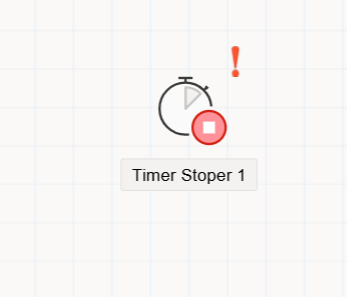
Purpose of the Timer Stopper Object
The Timer Stopper object is used to stop a running timer within workflow processes. This object becomes active when it is necessary to terminate an active timer at a specific point in the process. It is particularly useful in cases where a waiting period, reminder mechanism, or time-based control needs to be manually or procedurally ended.
How to Use
- Drag and drop the
Timer Stopperobject from theToolboxpanel onto the flow design canvas. - Place it at the appropriate location in the flow and connect it using arrows to define the process path.
- When clicked, the object becomes configurable through the
Property Viewerpanel.
Property Viewer Tabs
When the Timer Stopper object is selected, the following tabs are displayed in the Property Viewer panel:
1. Appearance
Object Name: The internal system name of the object.Caption: The label text displayed on the UI.Is Lock: Prevents the object from being moved during design time.Size: Defines the width and height of the object.
2. Properties
Target Timer: Lists previously defined timer objects within the flow. This field allows the selection of which timer the Timer Stopper will terminate.
3. Events
Custom event methods can be defined for the Timer Stopper object. When an event is double-clicked in the Events tab, the corresponding method block is automatically generated in the flow’s code editor (FlowName.cs). The developer can then write the required logic within this method.