Create New Blank Project
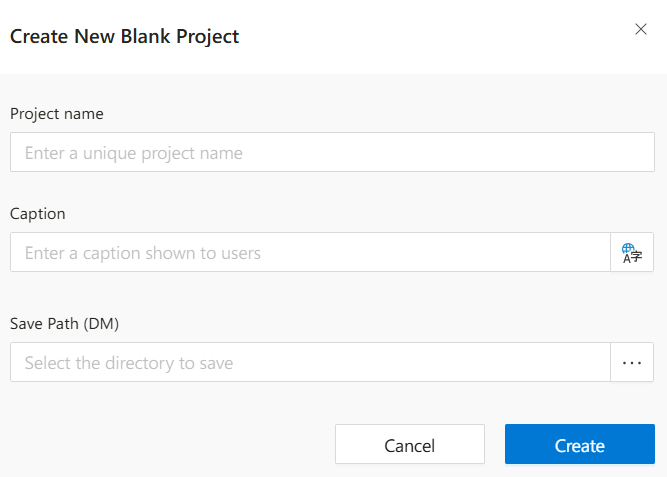
This screen allows users to create a new blank project by entering a project name, display title, and selecting a save path.
New Blank Project
The NewBlankProject dialog allows users to initialize a brand-new project from scratch. The user defines key identifiers and selects where the project will be stored.
Actions
Create:Validates inputs and creates the new project in the selected location.Cancel:Cancels the operation and closes the dialog without saving any changes.
Notes
- Project names must be unique and follow naming conventions defined by system administrators.
- A valid save path is required to ensure project data is stored in the correct structure.
- Translation support for the title field allows defining names in multiple languages if needed.
FAQs
- What Is The Purpose Of Title Field
- Can I Edit Project Fields Later
- What Happens If I Cancel
- Why Is Project Name Required
- Why Do I Need To Select Save Path