Multi-Language Support Dialog
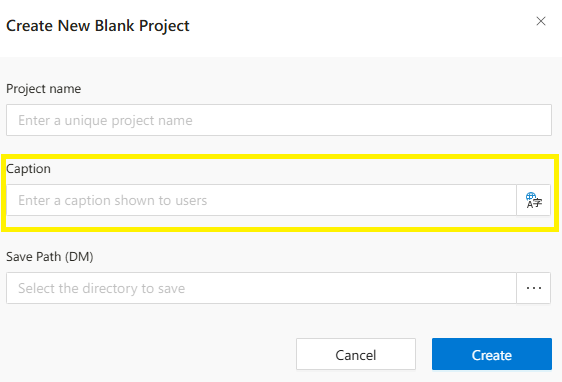
The title is the label seen by end users in the project. When the system automatically generates the project name, it also assigns the same value to the title. However, you can change it if you prefer.
Multi-Language Support Dialog
When multi-language support is enabled for a field (such as project title or label text), a translation icon appears next to it. Clicking this icon opens the Multi-Language Support dialog, where users can enter localized values for different languages.
Interface Components
Language List: Displays all languages supported by the platform (e.g., English, Azerbaijani, Russian).Input Fields: Next to each language label, there are input boxes where translations can be entered.
How It Works
- The dialog lists all active languages configured in the system.
- Users can enter translations separately for each language.
- Empty fields fall back to the default language value in the UI.
- Entered values are saved as a dictionary (key = language code, value = translation).
Language codes follow the standard ISO 639 format (e.g.,
en,az,ru).
Usage Example
- When defining a
project titlein Synergy IDE:- Click the translation icon next to the title field.
- Enter values for each language as needed.
- Save and close the dialog.
Benefits
- Ensures a consistent multilingual user interface.
- Helps fulfill localization requirements in global environments.