Parameters
Explains how to define parameters to be passed to the target flow when using the Flow Trigger object.
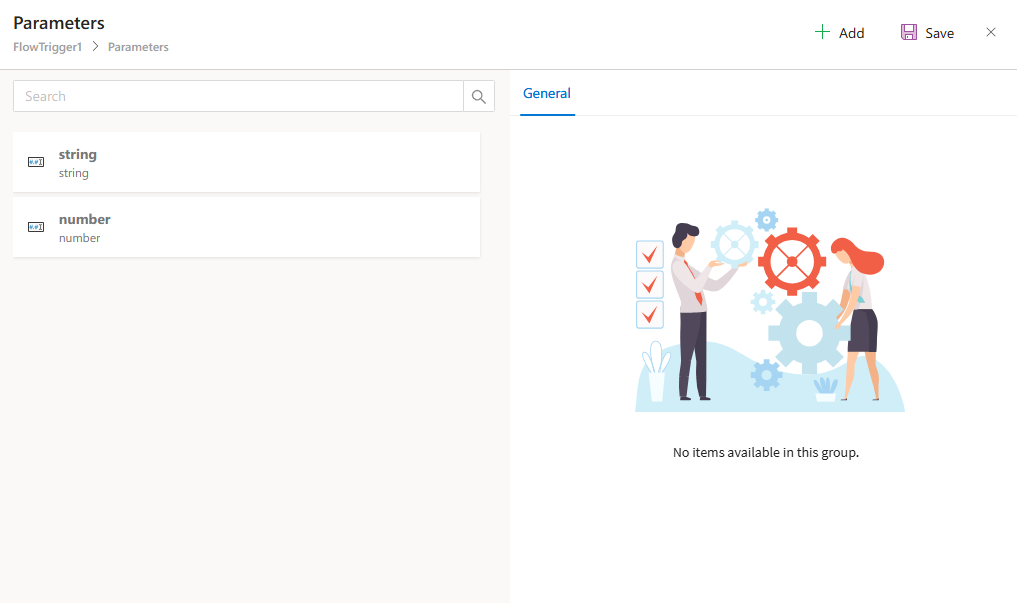
The Parameters section of the Flow Trigger object allows designers to define which values should be passed to the target flow being triggered.
These parameter mappings ensure that the newly started flow(s) can receive initial data from the current context—either from static values, flow variables, or DataGrid rows when triggering multiple processes.
How to Configure
Clicking the Parameters field opens a dialog where each parameter to be passed to the triggered flow can be defined.
To add a parameter:
- Click the
Addbutton. - Define the following properties for each parameter entry:
Parameter Fields
| Property | Description |
|---|---|
Name | The name of the variable in the target flow that should receive a value. This must be a variable from the target flow where the General option is enabled. For example, if the selected target is the “Leave Request” project and Flow1 is the chosen flow, the variable name must match a General variable in Flow1. |
Type | Specifies the data type of the value to be sent. Available types: String, Number, Boolean, DateTime, and Control. Note: Control type can only be used if a DataGrid control has been selected in the Control Name field of the object. |
Value | The actual value to be passed to the target variable. It can be: Static values (e.g., 5, Approved, true)Dynamic liquid syntax (e.g., ({{Document1.DocumentId}}), ({{ProcessId}}), ({{Variable1.Value}}))For Control type: the columns from the selected DataGrid will be available as selectable values. |
Example
If a user needs to start a flow for each row in a DataGrid (e.g., for multiple leave requests), and each flow should receive the EmployeeId and StartDate from the row:
- Set
TypetoControl - Set
Valueto the respective DataGrid columns like ({{Row.EmployeeId}}) and ({{Row.StartDate}})