Build Server
The Build Server command compiles backend logic, flow definitions, and server-side scripts. It ensures that the workflows and related scripts are ready to run. The Build Server option under the Run menu compiles the server-side components of the current project, including flow logic, conditions, and custom scripts.
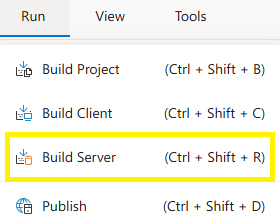
Steps:
- Open a project from the File Menu.
- Navigate to the Run tab in the top menu.
- Select Build Server.
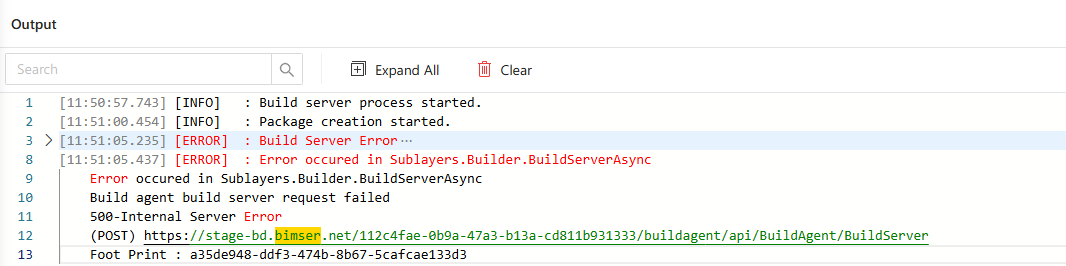
- The server build process starts and validates flow steps, assignments, and backend scripts.
FAQs
- Does Build Server Affect UI Components
- Why Is The Build Server Option Disabled
- Why Would I Run Build Server Separately